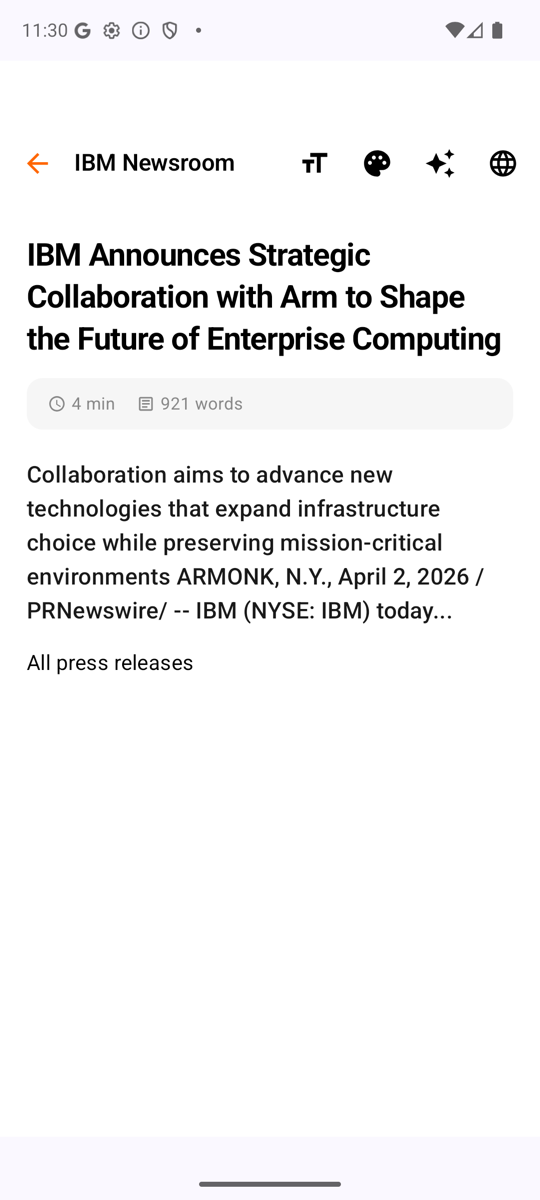
Reader mode
Clean typography, generous measure, and the reading time up front. Text size and theme follow your preference, not the publisher's.
Android · iOS · Kotlin Multiplatform
Kuokka watches the keywords you care about, pulls the key points out of a long article without sending it anywhere, and keeps what you saved readable with no signal.
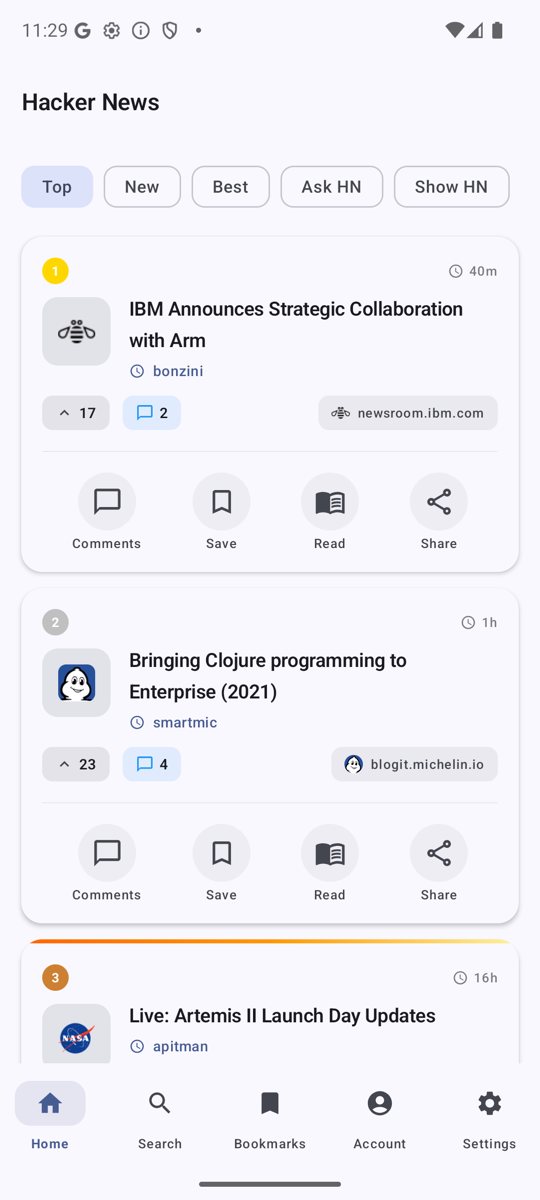
Top features
Kuokka covers the whole of Hacker News — Top, New, Best, Ask HN, Show HN and Jobs — and adds the parts the site leaves to you.
Name the keywords, domains, authors and sections you want to follow. Matching stories collect in a Radar feed, and a digest rounds up the best of them so you can stop refreshing the front page.
Tap a story for its key points. The summary is extracted on the device — no account, no API key, nothing sent to a server. Prefer a language model? Add your own Gemini, Claude or OpenAI key and Kuokka uses that instead.
Articles open stripped of the clutter, with adjustable text size and light, dark and sepia themes. Word count and reading time sit at the top, so you know what you are committing to.
Save stories before you leave and read them on the train, on a flight, or anywhere the signal drops out.
Pick a long thread up where you left off, spot the replies you have not read, search inside a discussion, and jump between top-level comments with one tap. Comment digests pull the substance out of a 300-reply thread.
Recommendations built from what you actually open — your topics, your authors, your domains — rather than what is loudest today.
Top stories on the home screen, in four responsive sizes on Android and three widget families on iOS. See what is breaking without opening the app.
Save stories for later, see at a glance which ones you have already opened, and build a reading streak with achievements along the way.
Day and night
Clean typography, generous measure, and the reading time up front. Text size and theme follow your preference, not the publisher's.
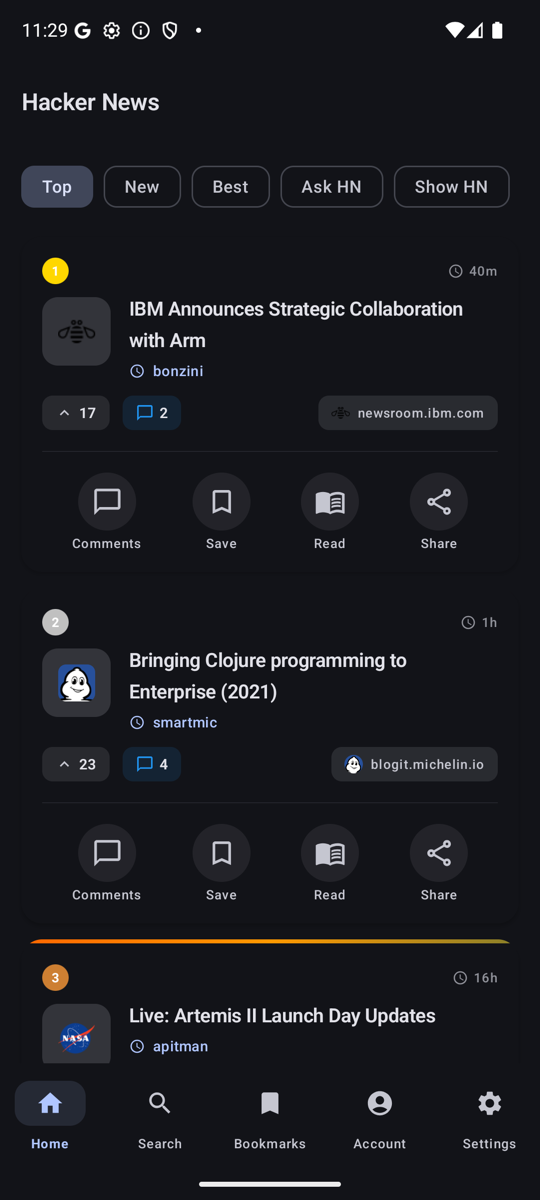
Material 3 on Android and native SwiftUI on iOS, so the app follows the system theme and the platform's own conventions instead of imitating them.
How it is built
The logic lives once in a Kotlin Multiplatform module. Each platform keeps its own UI, so neither app pays for the other's compromises.
Shared
Models, repositories, view models, the Hacker News API client and the rules that decide what a free and a Premium reader see — written once, compiled for both.
Android
A Compose Multiplatform UI, Glance widgets in four sizes, and background work that keeps Radar digests arriving on schedule.
iOS
A hand-written SwiftUI app that consumes the shared module through SKIE, so Kotlin flows arrive in Swift as async sequences and sealed types as real enums.
Both clients read the same entitlement rules, so a feature cannot quietly behave one way on Android and another on iOS. Purchases go through RevenueCat, and analytics and crash reporting through Firebase.
Privacy
Kuokka talks to the public Hacker News API. What you read is your business.
Reading history, bookmarks and watchlists are stored on the device. There is nothing to sign in to.
Article text is summarized on the phone unless you choose to add your own provider key.
Anonymous usage and crash diagnostics are asked for, not assumed, and you can turn them off in Account at any time.
The free app shows ads through Google AdMob, and they are never personalized. Premium removes them entirely. The privacy policy sets out every service involved.
Free to download on both stores. Premium is a one-time purchase, not a subscription.